WELCOME TO
GAMERLOG_
A place for all your game libraries.
Four consoles. Twenty tabs.
Gamerlog started as a personal fix — I was tired of juggling four consoles and twenty browser tabs just to see what I owned and what I was playing. I wanted every library in one log.
Then it turned social — a dead-simple way to share your library and favorite collections with anyone (or not).
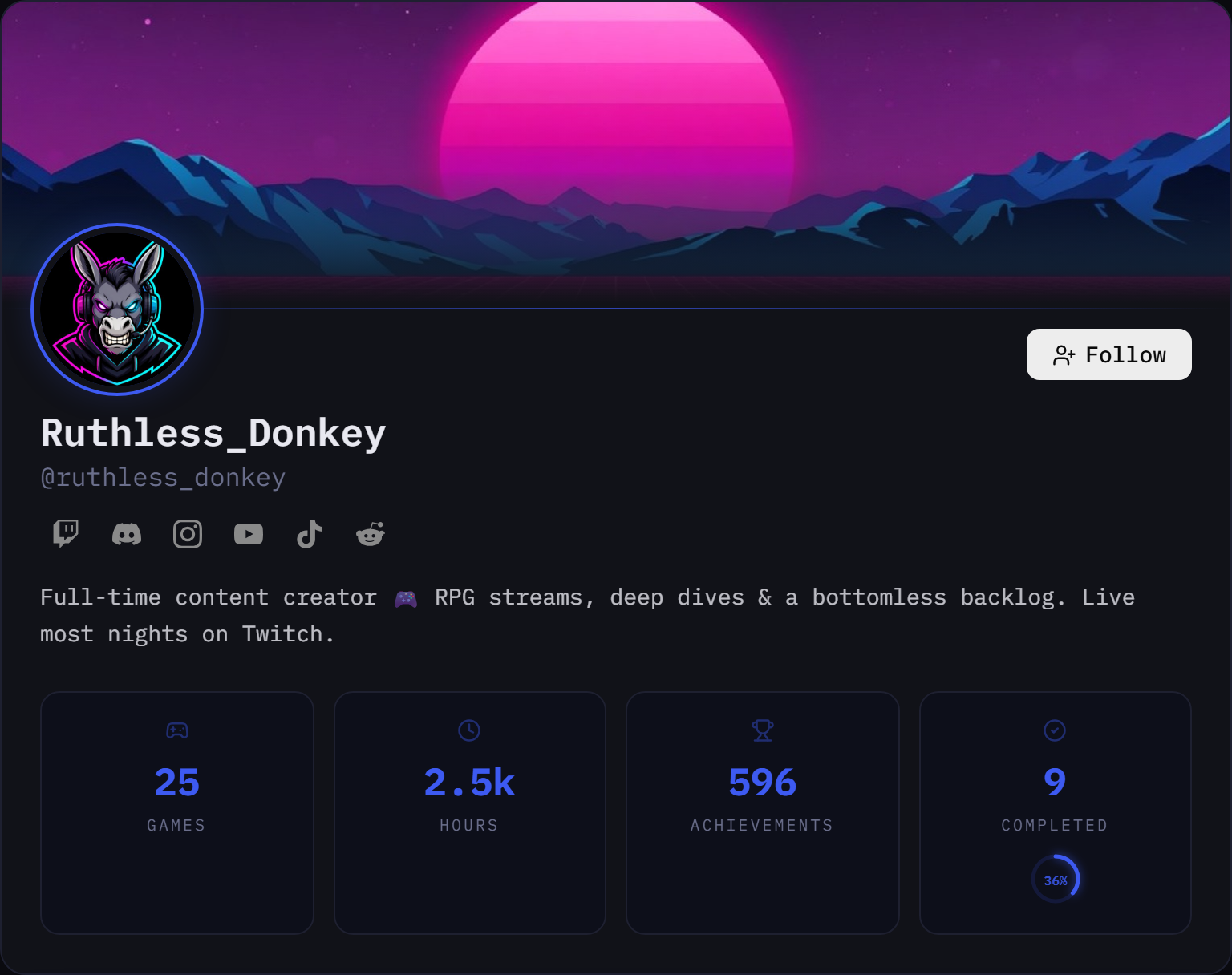
A real profile — yours can look like this.
Your log, your rules.
Personal Log
Keep your full game history, track hours, mark favorites, and maintain your backlog — private, just for you.
- >Full library tracking
- >Backlog & completed lists
- >Private by default
- >Steam import
Share with Friends
Choose exactly who sees your log. Friends-only mode keeps it between you and the people you actually play with.
- >Follower approval system
- >Friends-only visibility
- >Share your collections
- >See what friends play
Public Space
One link for everything — Twitch, YouTube, TikTok, clips, library and socials, all in one place.
- >Verified platform accounts
- >Pin your best clip
- >Live stream badge
- >Show up in the feed
The app is black & white.
Your card isn't.
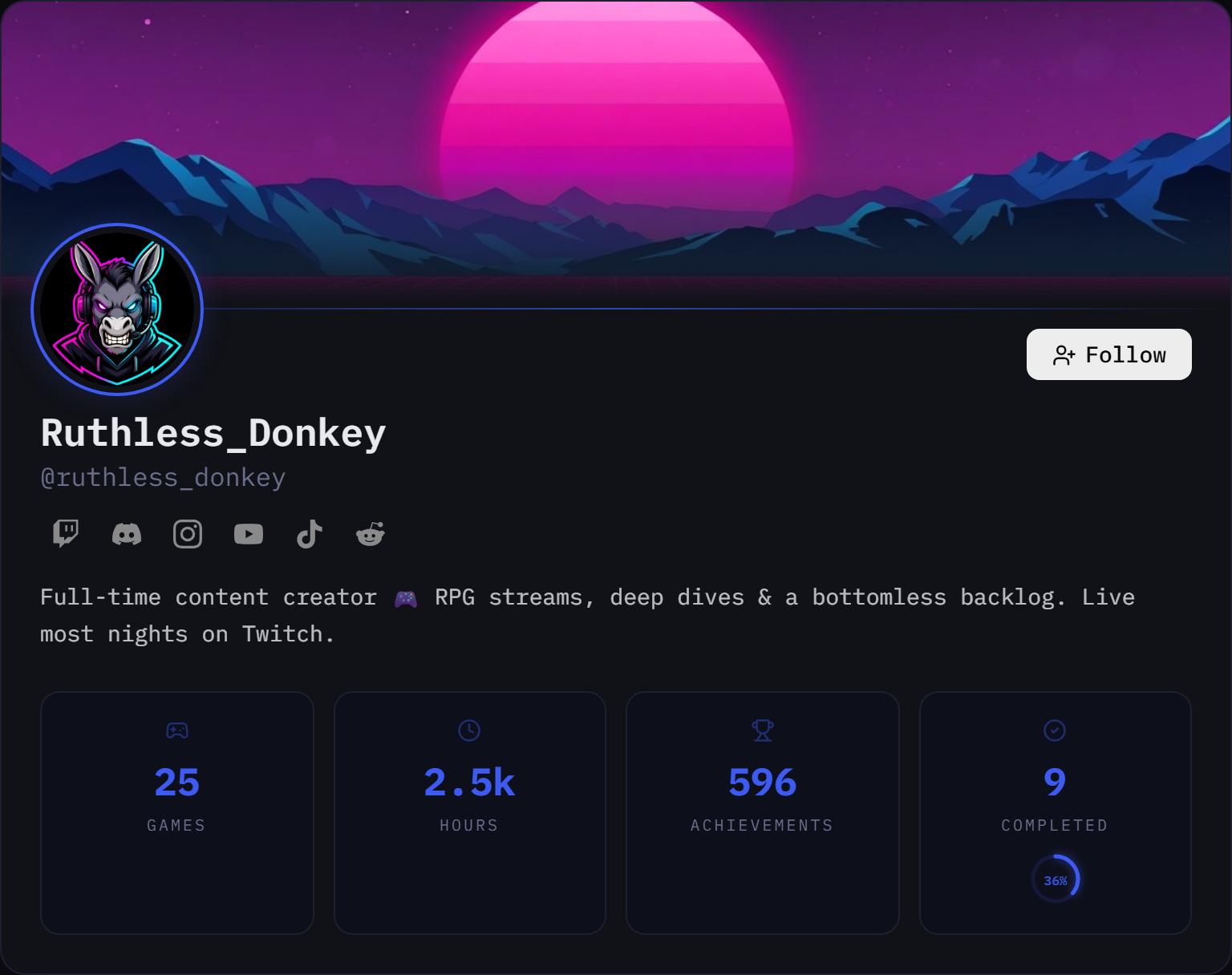
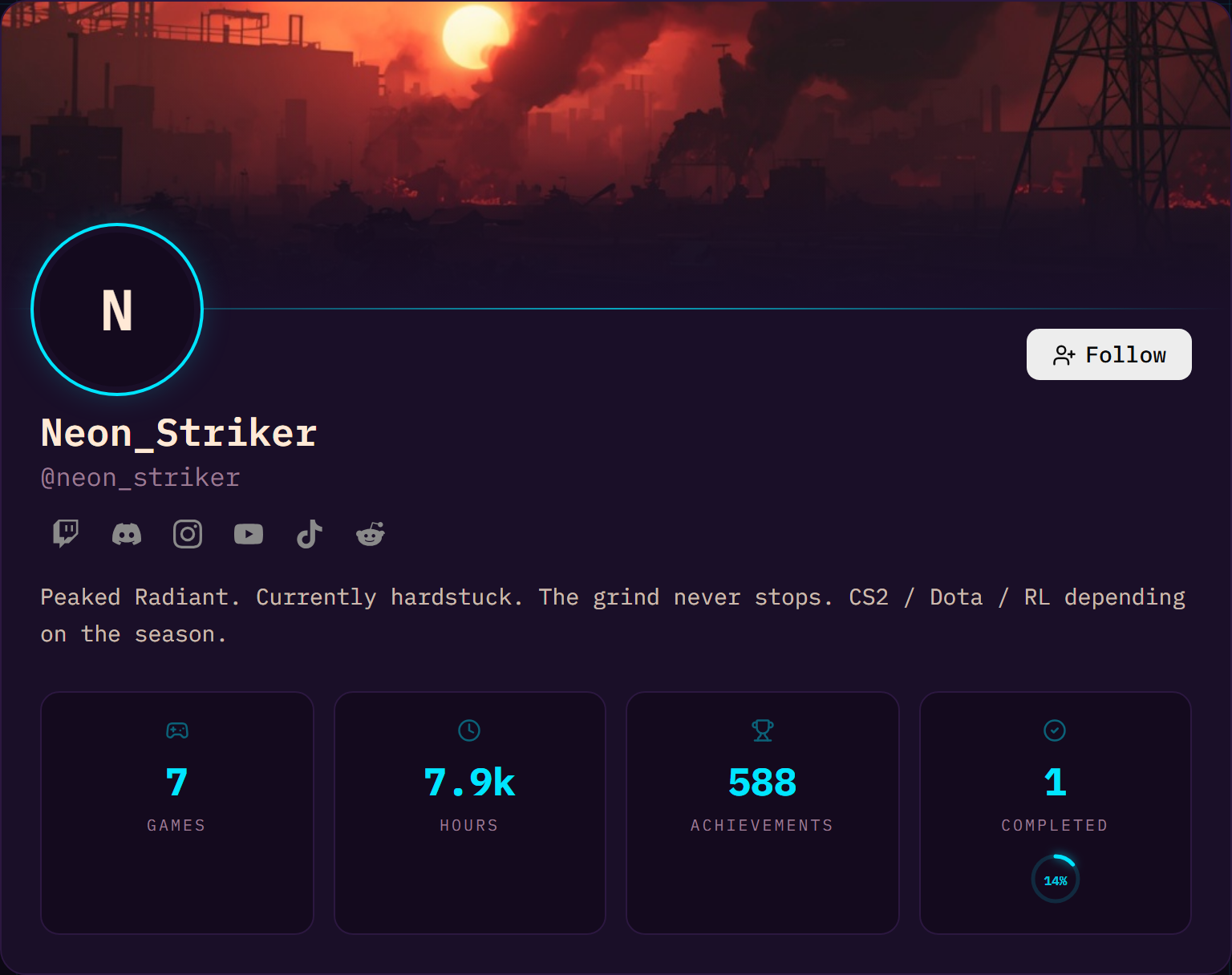
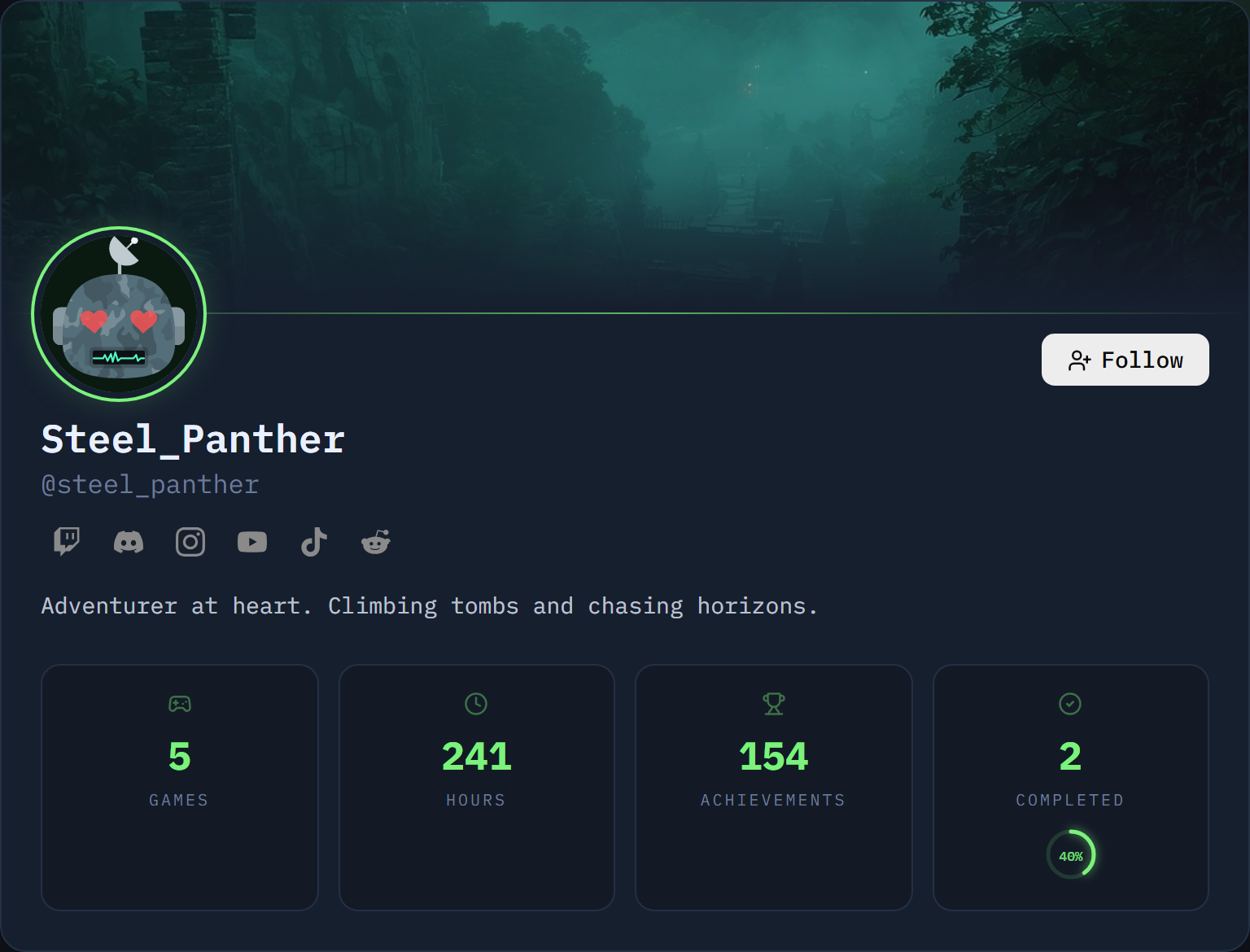
Customization is for everyone — not just creators. Pick a theme, set your own accent color, upload your avatar, banner and background, and save your favorite looks to swap between in a single click.